
Social media posts for contractors and home services, from your job photos
Your best marketing is the work you finished today. SumoSquish turns one job photo into a week of branded posts with captions, and builds honest before & after posts from your two real photos, so neighbours can see exactly what you do.
Free to start · No card needed · Your first AI week is on us
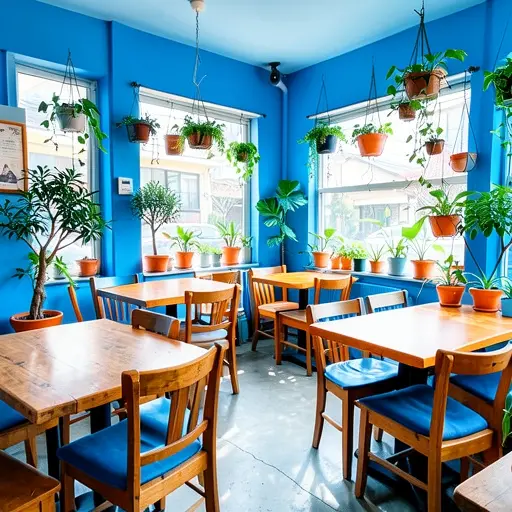
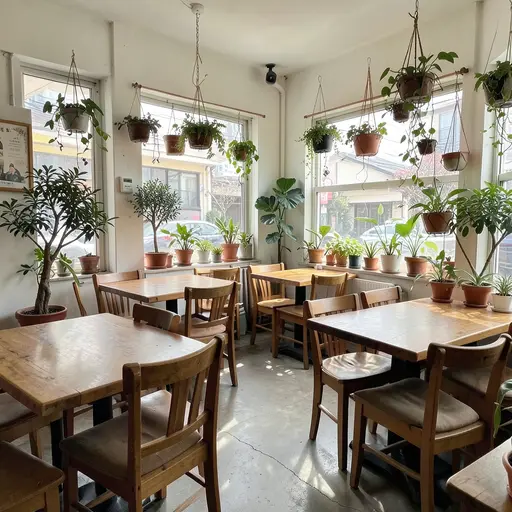
A week of posts
What to post this week
A simple Monday-to-Friday plan for contractors and home service businesses. Create My Week builds a week like this from one photo, with a different look, headline and caption for each day.
Mon
The finished job, at its best
Start the week with proof of the quality people are hiring for.
Tue
A detail that shows craftsmanship
Clean lines, tidy edges, good materials: details build trust fast.
Wed
Before & after from your own two photos
Nothing sells a service like the transformation, and real photos are what make it believable.
Thu
The job in context: the street, the yard, the room
Locals recognise their own area. It tells them you work near them.
Fri
Book now: weekend availability or a seasonal offer
Homeowners plan jobs at the weekend. Give them your number and a reason to call.
Looks SumoSquish chooses from for this kind of photo: Golden Hour, Watercolor.
Photo tips
Take a photo that works every day of the week
- Take the 'before' and 'after' from the same spot and angle so the comparison is fair.
- Shoot in daylight and clear away tools, bags and ladders first.
- Step back far enough to show the whole job, then take one close-up of the finish.
- Ask the homeowner before posting photos of their property.
SumoSquish checks every upload and tells you if a photo is too dark, blurry or small before you build the week.
Every size
18 sizes for every post
- Instagram Post1080×1080
- Instagram Story1080×1920
- Facebook Post1200×630
- Google Business Profile1200×900
- Instagram Portrait1080×1350
- Facebook Story1080×1920
- LinkedIn Post1200×627
- X Post1600×900
- Pinterest Pin1000×1500
- YouTube Community1080×1080
- Website Banner1920×640
- Email Header1200×400
- TikTok1080×1920
- Profile Picture1080×1080
- X Header1500×500
- Facebook Cover1702×630
- YouTube Thumbnail1280×720
- Blog & Link Preview1200×630
Questions
Good questions.
Are before & after posts made with AI?
No. Before & After uses your two real photos, lined up and branded. The work customers see is the work you actually did.
Can I put my phone number on every post?
Yes. Add it to your Brand Kit once and it appears on every post, along with your logo, colours and call to action.
Does it make Google Business Profile posts?
Yes. Every post comes in 18 sizes, including the Google Business Profile post size most local customers will see.